Snake: Claude Haiku at three effort levels
What was compared
The same Claude Haiku model got the same prompt three times. The only thing that changed
between the runs was the effort level (low, medium, xhigh).
Each run started from an identical empty repository and built a Snake game from scratch.
The task: a single-page Snake game in plain HTML and JavaScript, served by a Python standard-library server, playable with touch on a Pixel 7 emulation. It must also contain a bonus pickup that triggers a surprise.
How the functional score works
The functional score is the share of weighted automatic checks that pass, from 0 to 1. The 13 checks are: server starts, no dependencies, root returns 200, assets load, JavaScript parses, mobile viewport, canvas renders, touch controls, keyboard, score shown, game over, bonus mechanism. Their weights add up to 100.
How to read the score
The functional score is 13 automated checks run by a headless browser. They test whether the pieces exist and react to input. They do not measure how the game looks or feels to play. A cell can score 1.00 and still look or behave badly on a phone, and a manual play-through can disagree with the score.
The quality of the surprise is rated by a person and is not scored. Tokens and cost come from the session logs of each run. A throwaway warm-up run primed the prompt cache before the measured runs and is not shown.
Results
| Effort | Effective effort | Functional score | Failed checks | Output tokens | All input tokens | Cache read | Cache create | Cost (USD) | Duration | Turns (API calls) |
|---|---|---|---|---|---|---|---|---|---|---|
| low | low | 1.00 | none | 3,782 | 51,272 | 43,455 | 7,811 | $0.0039 | 18 s | 3 |
| medium | medium | 0.74 | game_over, touch_controls, keyboard | 8,597 | 40,132 | 27,264 | 12,864 | $0.0071 | 37 s | 5 |
| xhigh | xhigh | 1.00 | none | 29,307 | 225,001 | 190,765 | 34,222 | $0.0234 | 131 s | 10 |
All input tokens = fresh input + cache read + cache create.
Games
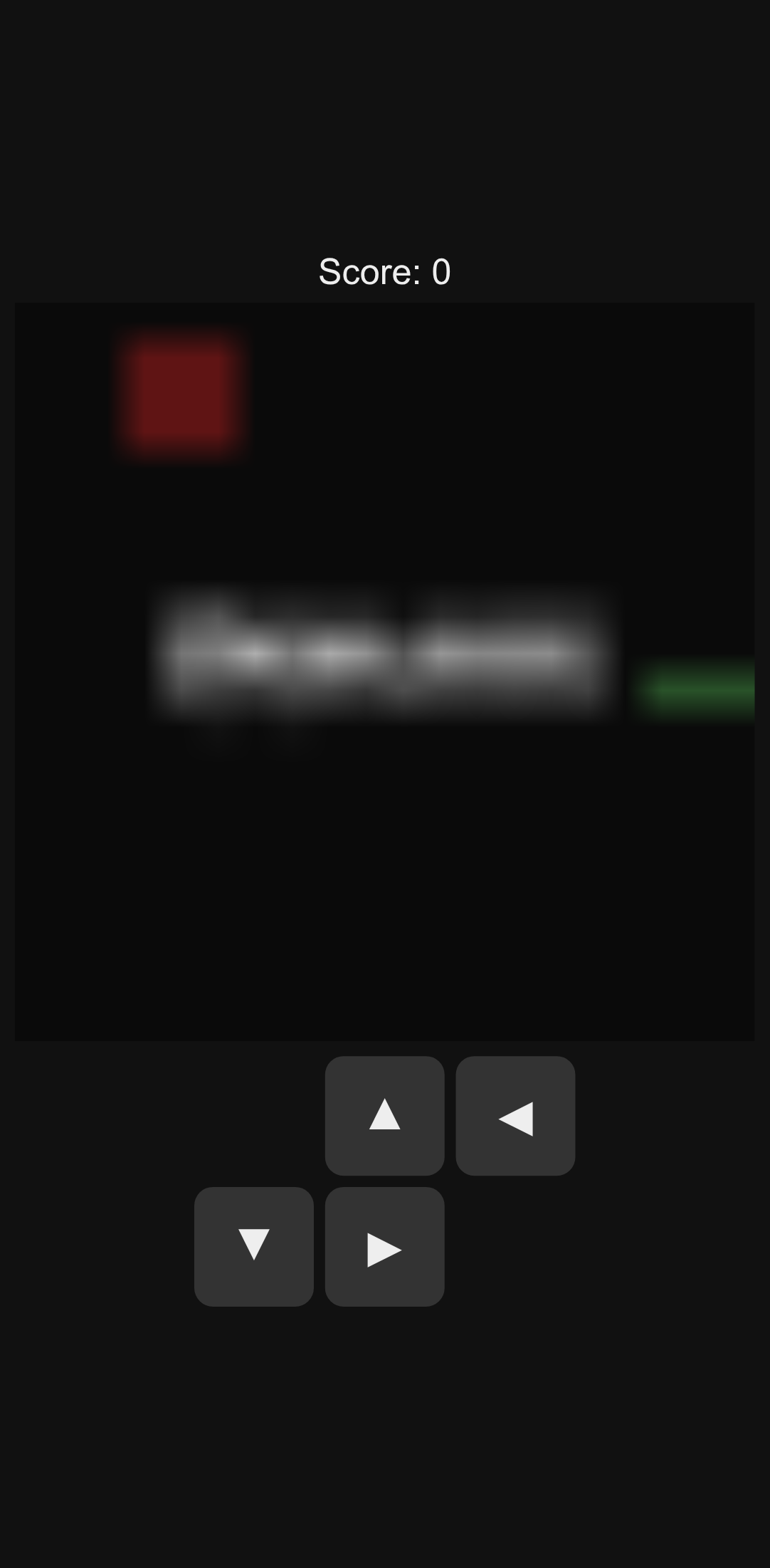
Pixel 7 emulation, 2 s after load, no input.
What you'll see: Starts moving as soon as the page loads, with no start action. The snake reaches the wall in about 1.8 s, so the 2 s screenshot already shows the game over, drawn on the canvas. The canvas is 20x20 pixels scaled up, so it looks blurry. Arrows and swipe steer.
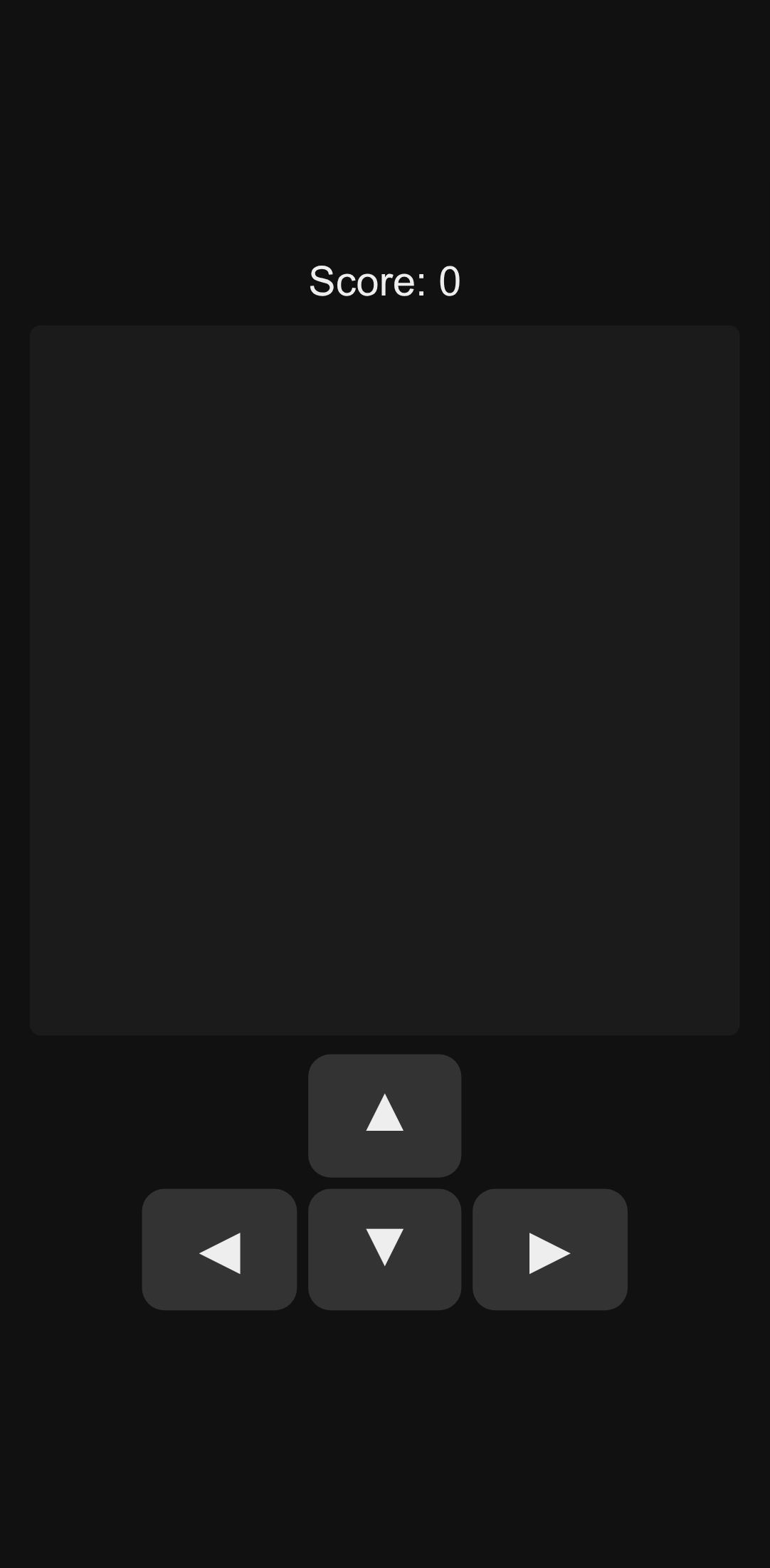
Pixel 7 emulation, 2 s after load, no input.
What you'll see: Does not play. On load a TypeError (reading 'x') stops the script: resize() draws before reset() has set the snake and food, so the game loop never starts. The board stays blank, and no tap, key or arrow button changes it.
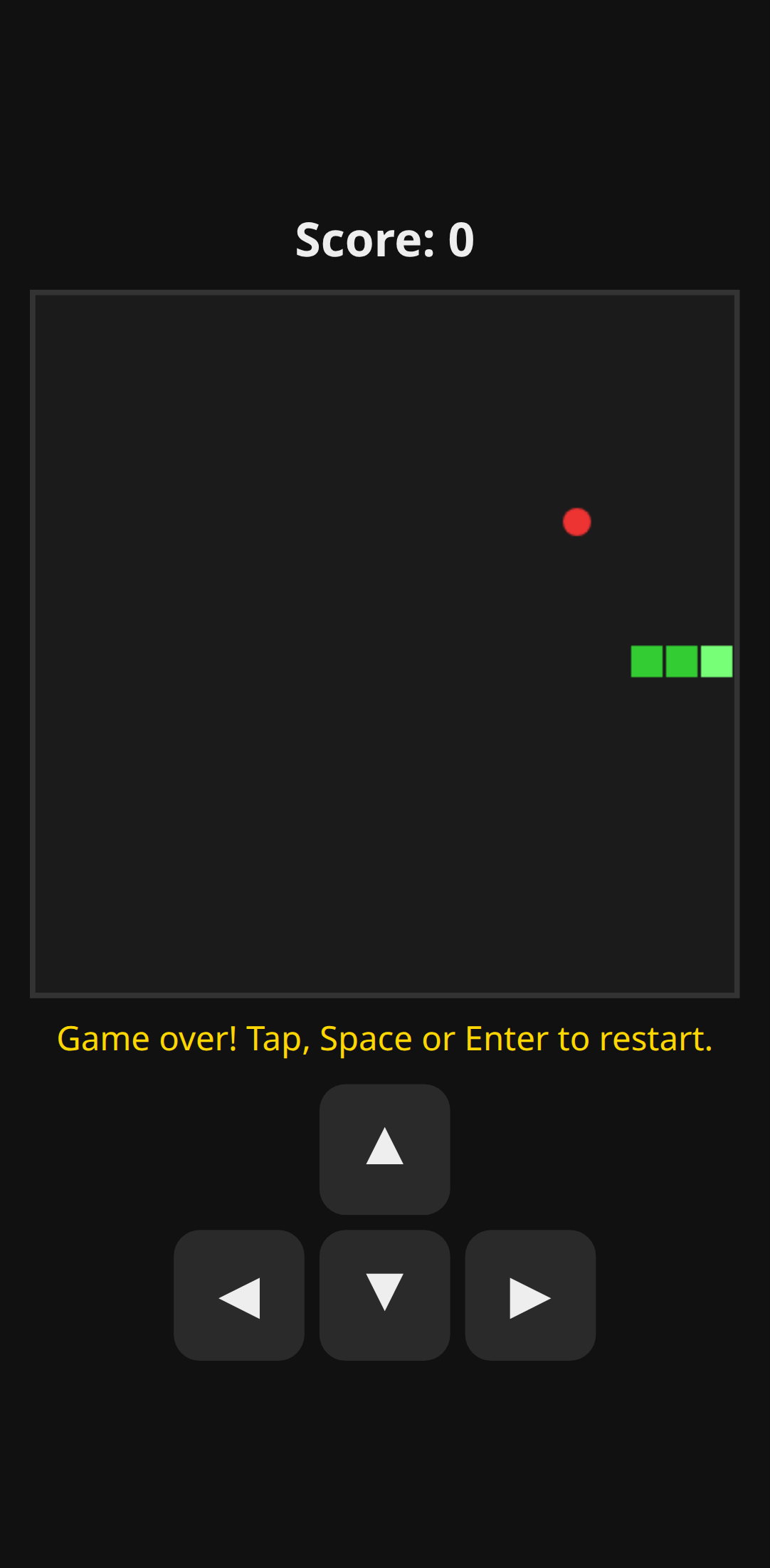
Pixel 7 emulation, 2 s after load, no input.
What you'll see: Starts moving as soon as the page loads, with no start action. The snake reaches the wall in about 1.3 s, so the 2 s screenshot shows the 'Game over' text. Tap, Space or Enter restarts; the on-screen arrows and swipe steer.
The prompt
Given verbatim to every cell, from tasks/snake-http/prompt.md.
Build a barebone, maintainable, simple Snake game served by a simple HTTP
server, from scratch in this directory. You create the server too.

- It must work on a phone touchscreen (swipe or on-screen controls, responsive
  canvas) and be hostable in Termux, so zero dependencies: Python 3 standard
  library only, or plain node with no npm packages. Pick one.
- `./start.sh` starts the server in the foreground, bound to 0.0.0.0 on the
  port in env `PORT` (default 8000). No network access at runtime.
- The game runs on page load, snake moving right at first. Eating food grows
  the snake and raises a visible `Score: N` counter. Hitting a wall or itself
  shows "Game over" on the page; a tap, Space or Enter restarts.
- Finish as fast as possible with the best barebone decisions. No security
  hardening. Optional extras only if they are cheap.
- ONE REQUIREMENT: a bonus pickup that triggers a surprise. It is rated on the
  quality of the surprise and on achieving it within a tight token budget: no
  hard cap, but fewer tokens is better.

When done, reply with one short sentence.